Ask an agency for a mobile app quote and you'll get a price for the thing your customers download. What that quote often hides: the moment your app has real users, you need a second piece of software to run it. Who signed up today? Why did this payment fail? How do I change the price of the premium tier without shipping an app update?
That second piece is the admin panel, and in our experience it's the difference between an app you launch and an app you operate.
Quick answer: what an admin panel is
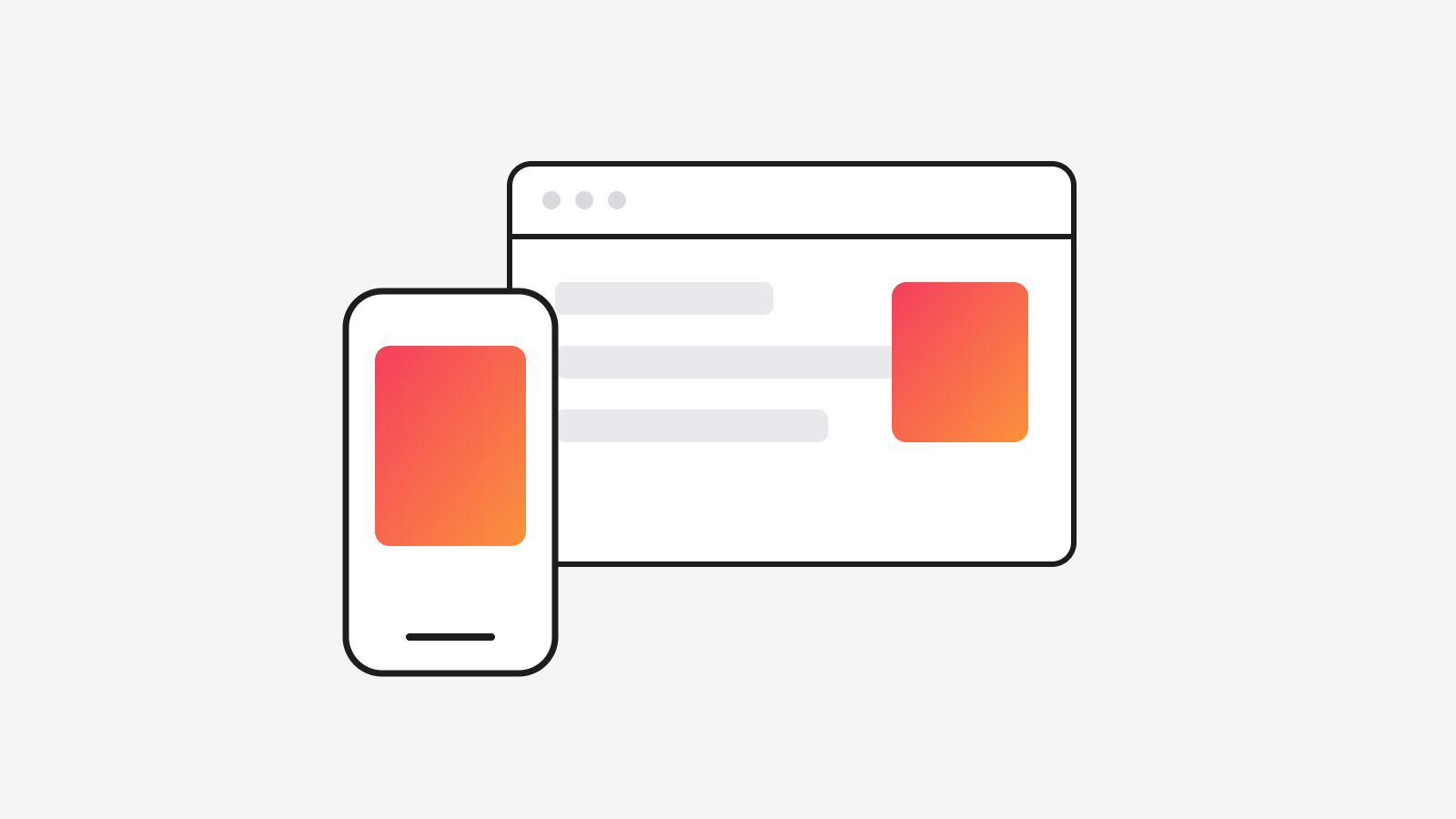
An admin panel is the private web dashboard behind your mobile app where you, the owner, manage everything the app shows: users, content, pricing, bookings, orders, and support issues. A typical small-business app needs both. Budget roughly 30 to 50% of the app's build cost for a proper admin panel, and treat any quote that doesn't mention one as incomplete.
What you actually do in an admin panel
The day-to-day of running an app rarely happens in the app. It happens here:
- Users and access. Approve, suspend, refund, upgrade. See who's active and who churned.
- Content and pricing. Change what the app displays without waiting days for App Store review.
- Operations. Bookings, orders, inventory, schedules, whatever your business moves.
- Money. Payment status, failed charges, payouts, and the numbers that tell you if this is working.
- Support. When a customer emails "my account is broken," the admin panel is where you look.
Skip it and every one of those becomes a developer task. You end up paying agency rates to change a price in a database, which is the most expensive CMS ever invented.
Real examples from our own builds
We build the app and the admin as one system, because they are one product:
- Allure Lighting: a mobile app for managing permanent outdoor lighting, an admin portal for daily operations, and a dealer portal where partners self-serve their orders. Three surfaces, one backend.
- Modern Cue Club: members book tables and unlock the door from their phone, while the owner manages memberships, the calendar, and door overrides from the admin backend. We broke down the full architecture in the Modern Cue Club case study.
- Founder Feast: applications, payments, and multi-city event management, all run from the admin side.
In each case the client-facing surface is the smaller half of the codebase. That's typical, not exceptional.
When you also need a customer dashboard
Some businesses need a third surface: a web dashboard for customers, not just admins. Dealers checking order status, clients reviewing reports, members managing billing. If your customers ever ask "can you email me that info," the answer is usually a customer dashboard. It shares the same backend, so building it alongside the app is dramatically cheaper than bolting it on later.
What this means for your budget
Our mobile app cost guide covers full numbers, but the shape is: if the customer app is $30,000, expect the admin panel to add $10,000 to $15,000 when built together. Built separately, a year later, by a different team reverse-engineering your data model? Often double that.
The one-team, one-backend approach is exactly how we run web and mobile app builds: app, admin, and any customer dashboards ship from the same codebase and one bill.
The takeaway
When you compare app quotes, ask one question: "what does the admin side include?" The answer tells you whether the agency has operated an app in production or just shipped one and left.
Planning an app? Book a free strategy call and we'll scope both halves honestly, including the one nobody puts in the brochure.